
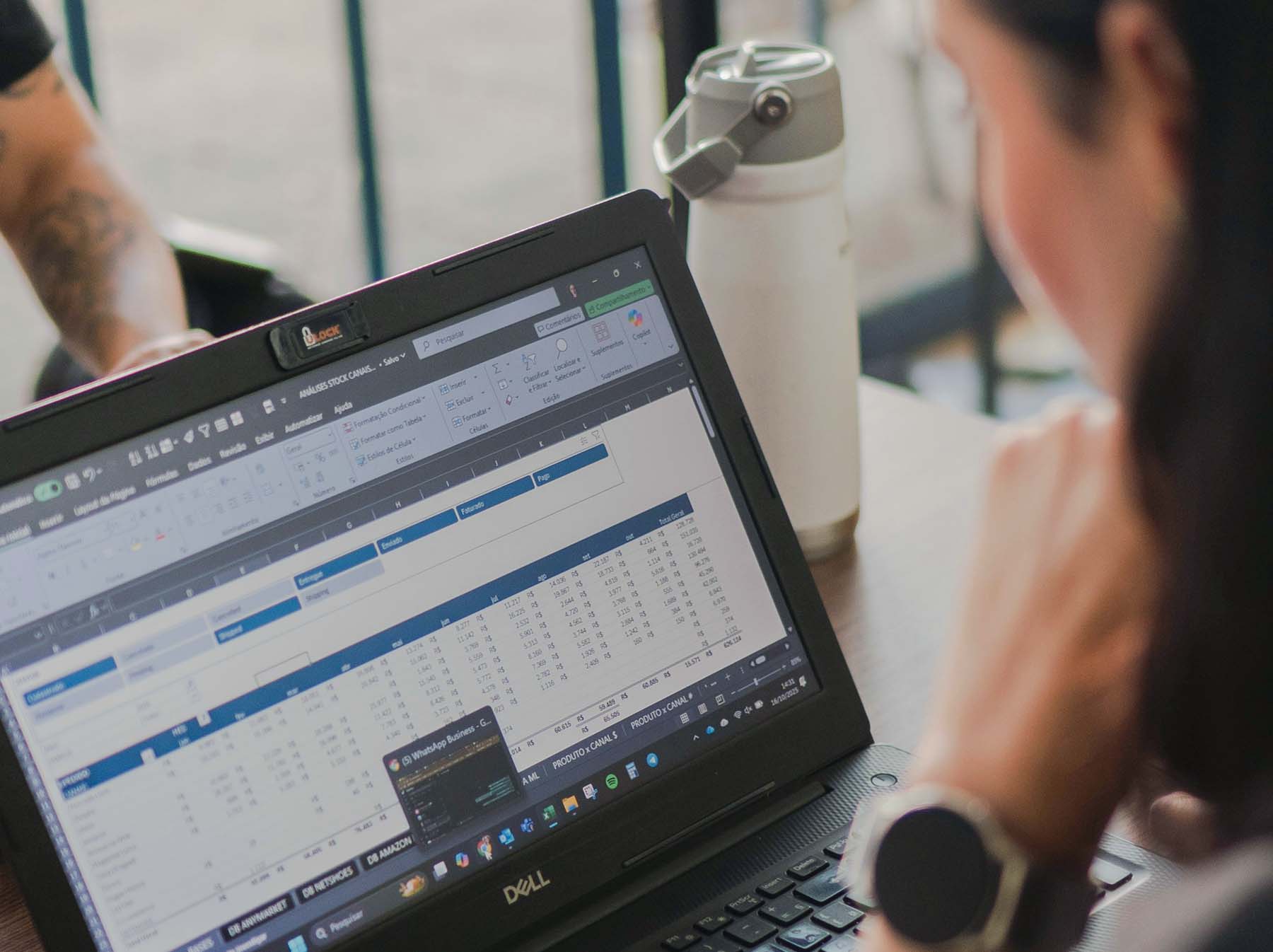
A spreadsheet is often the quickest and most sensible way to organise a process. It is familiar, inexpensive and flexible enough to change as the business learns. The problem begins when the spreadsheet stops supporting the process and quietly becomes the process.
A business should consider moving beyond spreadsheets when important work depends on manual updates, several people are editing different versions, errors are becoming costly, or the spreadsheet is being used to manage a process it was never designed to control.
- Spreadsheets are not inherently a problem; the risk comes from using them beyond the job they can reliably perform.
- Repeated manual work, version confusion and fragile formulas are usually early warning signs.
- The right replacement is not always a large custom platform. A focused internal tool may be enough.
- The business process should be understood and simplified before new software is built.
Why businesses keep relying on spreadsheets
Spreadsheets usually begin as a practical response to a genuine need. Someone creates a tracker, adds a few formulas and shares it with the people involved. For a small team or an early-stage process, that can be exactly the right solution.
They also feel safe. Most people already know how to use them, there is no procurement process and a new column can be added in seconds. Replacing the spreadsheet can therefore seem unnecessary, even when the work around it has become increasingly difficult.
The cost is often hidden. Nobody sees a monthly software invoice, but people may be spending hours copying information, checking formulas, correcting mistakes and asking which version is current.
Seven signs the spreadsheet is starting to hold the business back
1. Several people maintain separate versions
When files are copied, renamed and passed between departments, nobody can be completely certain which version is authoritative. Decisions may be made using old information, while changes made by one person never reach another.
A shared online spreadsheet can reduce this problem, but it does not solve weak ownership, inconsistent data or unclear approval processes.
2. The same information is entered more than once
Duplicate entry is one of the clearest signs that the process needs attention. A team may copy customer details from a form into a spreadsheet, then into an accounting platform, CRM or project system.
Each manual step takes time and introduces another opportunity for an error. A connected system should allow information to be captured once and used wherever it is needed.
3. Important decisions depend on fragile formulas
A spreadsheet may contain years of logic understood by only one person. One deleted cell, broken reference or incorrectly copied formula can affect reports, forecasts or customer outcomes without being immediately obvious.
When the business cannot confidently explain or test the logic behind an important calculation, the operational risk is no longer trivial.
4. Staff spend more time maintaining the tracker than using it
A useful system should reduce administrative work. If weekly reporting requires collecting updates from several people, checking missing fields and manually rebuilding the same summary, the spreadsheet has become an administrative burden.
5. There is no clear audit trail
Many business processes need a record of who changed something, why it changed and who approved it. Basic version history may show that a cell was edited, but it rarely gives the complete context behind a commercial decision.
This matters particularly where pricing, compliance, stock, payments, customer commitments or formal approvals are involved.
6. Reporting is always retrospective
If management only receives a reliable picture after someone has manually cleaned and combined the data, the business is reacting to old information. A better system can provide a current view of workload, performance, risk or capacity without rebuilding the report each time.
7. Growth makes the process less reliable
A spreadsheet that worked for 50 customers, orders or projects may struggle at 500. The issue is not only file size. More volume usually means more contributors, more exceptions and more pressure on a process that relies on people remembering every step.
The real cost is usually operational, not technical
The strongest case for replacing a spreadsheet is rarely that the file looks untidy. It is that the process around it consumes time, creates risk or prevents the business from operating effectively.
A useful calculation is to estimate how many hours are spent each month updating, checking, reconciling and reporting from the spreadsheet. Add the cost of correcting mistakes and the value of opportunities delayed because information was unavailable or unreliable.
That does not mean every spreadsheet deserves a software project. It means the decision should compare the cost of the current process with the value of a better one.
What should replace the spreadsheet?
The answer depends on the process. Sometimes an existing platform can solve the problem with better configuration. Sometimes two systems simply need to exchange information. In other cases, a focused internal tool is more appropriate than a large off-the-shelf product.
A good replacement might provide structured data entry, permissions, automatic calculations, clear status tracking, reporting and integrations with the systems the business already uses.
It should not reproduce every tab and column from the old spreadsheet. The opportunity is to simplify the process, remove unnecessary steps and make responsibilities clearer.
What to do before commissioning new software
Start by documenting how the process works today. Identify who enters information, who needs to review it, where decisions happen and which exceptions create the most work.
Then separate genuine requirements from habits that developed because of the spreadsheet. A column may exist because it is commercially important, or simply because somebody added it three years ago.
The first version should solve the core operational problem without trying to automate every possible scenario. A smaller, well-used system is more valuable than a broad platform that becomes another burden to maintain.
The right time to move
Do not replace a spreadsheet merely because custom software feels more sophisticated. Replace it when the business can clearly describe the time, risk or constraint created by the current process.
The strongest signal is usually not one dramatic failure. It is the steady accumulation of manual work, uncertainty and workarounds that everyone has gradually accepted as normal.
Once that cost becomes meaningful, a well-designed internal system can give the business more control without adding unnecessary complexity.
Common questions
Are spreadsheets suitable for running a small business?+
Yes. Spreadsheets can be an effective and economical option for straightforward processes with limited volume, few contributors and low operational risk.
Does replacing a spreadsheet require custom software?+
Not always. An existing platform, improved configuration or a simple integration may solve the problem. Custom software is most useful when the process is specific to the business or cannot be supported properly by standard tools.
How much does an internal business system cost?+
The cost depends on the process, integrations, permissions and reporting required. A focused internal tool can be considerably smaller than a broad business platform, so the requirement should be scoped before a reliable figure is given.